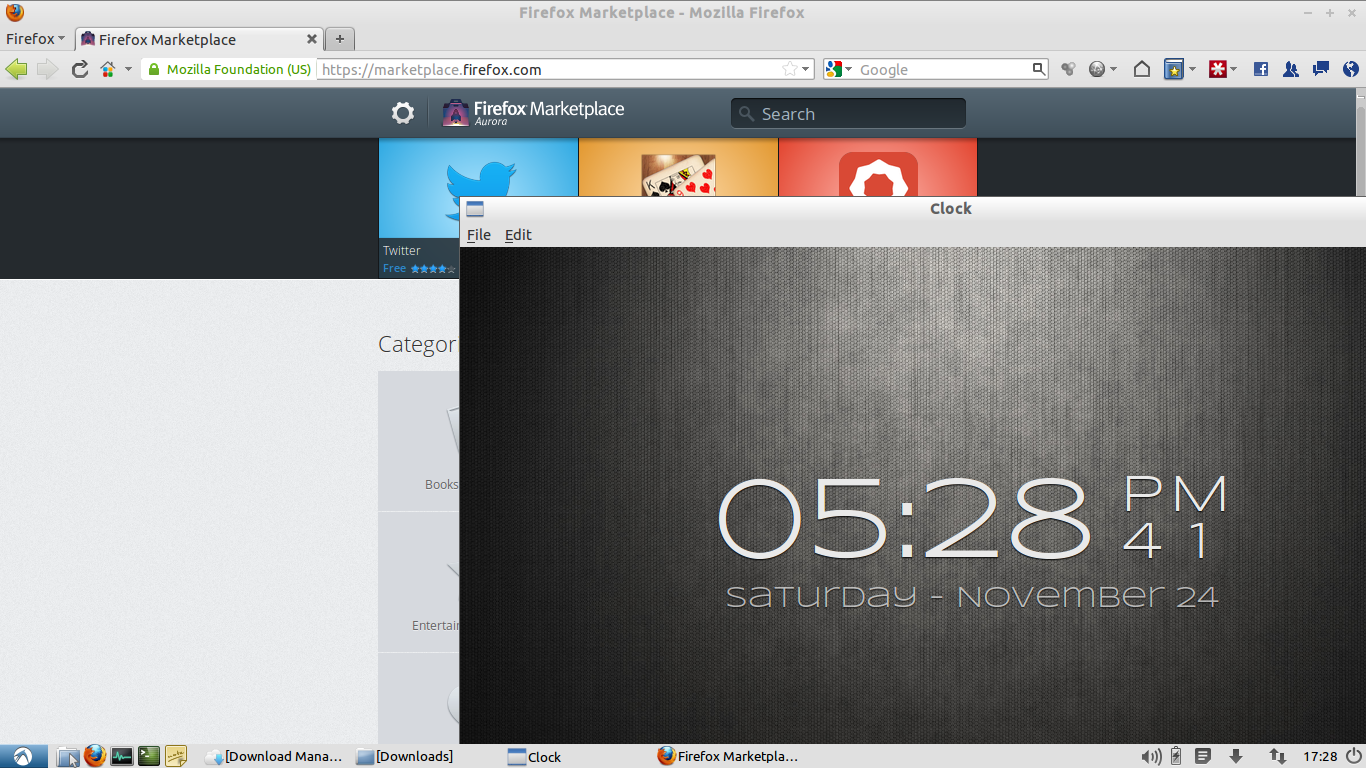
Running Firefox OS apps on Ubuntu linux
 24 November 2012
24 November 2012
7 February 2011First, open up your terminal window. Once it’s up, type in the command below to add the Ubuntu Mozilla Daily PPA repository to your system:
sudo add-apt-repository ppa:ubuntu-mozilla-daily/ppaYou’ll be prompted to enter your password. Go ahead and do that, then hit Enter to confirm the addition of the repository.
After adding the repository, it’s crucial to update the package list to ensure you get the latest software. Type the following command: